THE WELDING VISION COLLECTION / 2026

See the weld, understand the weld,
control the weld.

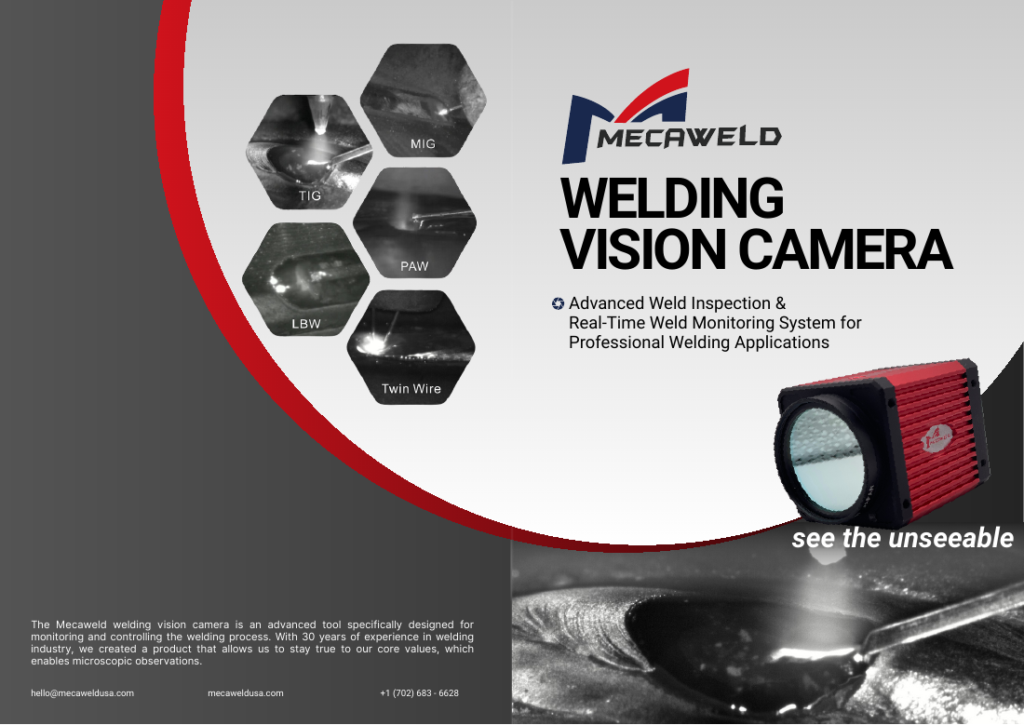
Experience complete arc suppression and crystal-clear weld-pool imaging, even through smoke and spatter. Discover Mecaweld welding cameras and weld monitoring solutions for everything from everyday arc welding to high-speed process research.

● Designed in the USA  ·  Ships from the United States

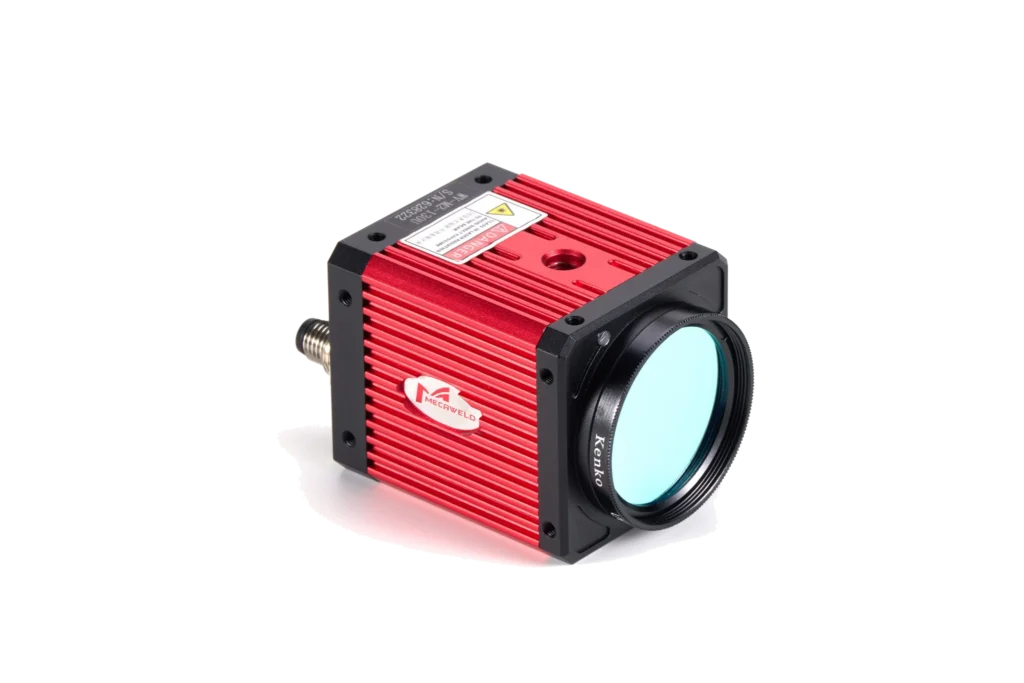
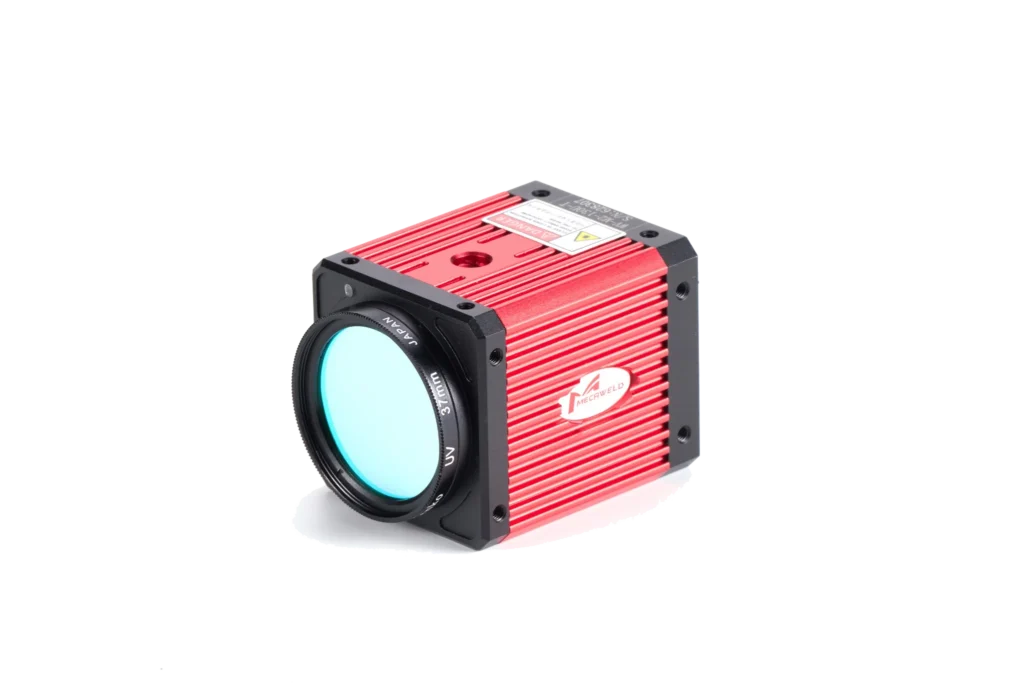
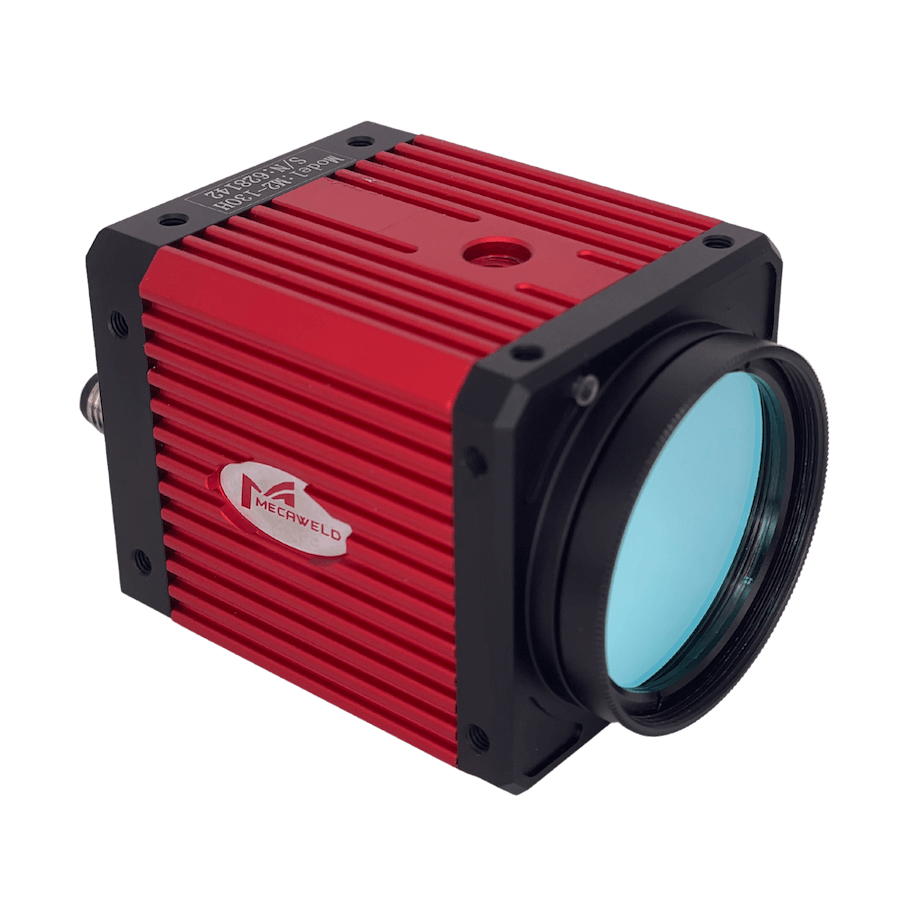
Mecaweld red industrial welding vision camera, front angle
ENGINEERED FOR CLARITY
FEATURED SYSTEMM2-230HHDMI · 60 FPS
01 / ADVANCED INDUSTRIAL IMAGING

WHY MECAWELD

01 / THE PURPOSE

● VISIBILITY CHANGES EVERYTHING

Better visibility.
Better decisions.

At Mecaweld, we believe that clearly seeing the weld pool is essential to understanding the welding process and improving weld quality.

In arc welding, arc and spatter can hide critical details. Robotic welding cells can make direct viewing even harder. Our specialized vision systems help operators and engineers observe weld-pool behavior, analyze changes and make informed adjustments.

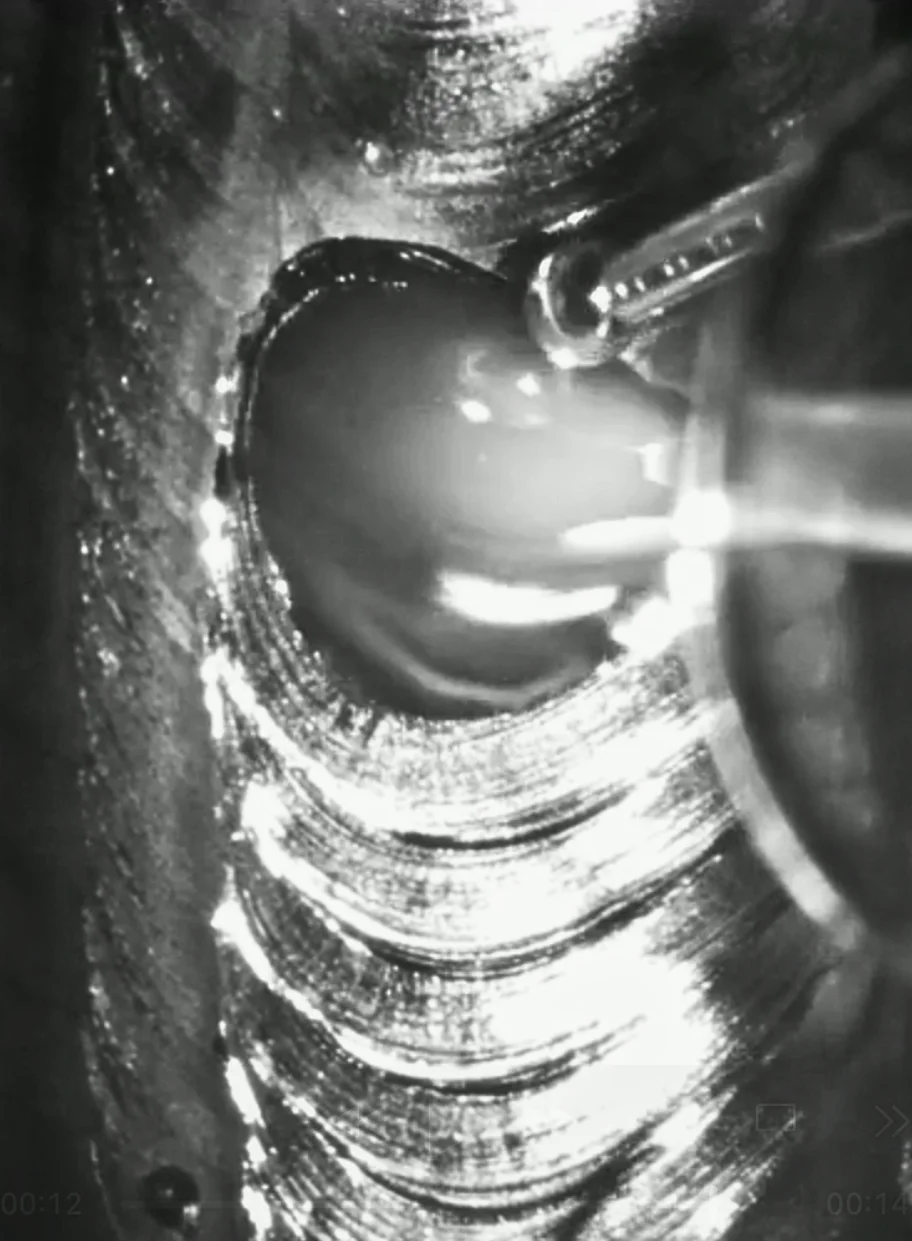
Close-up grayscale view of a weld pool and welding torch MW / VISION SYSTEMS
THE DETAILS INSIDE THE PROCESSIllustrative close-up welding view

THE LINEUP

07 models

Purpose-built welding camera solutions for different welding applications

SEMI HIGH-SPEED CAPTURE

1,500 fps

Maximum at 480 × 98 resolution on the M2-130U-T

COMPACT ACCESS

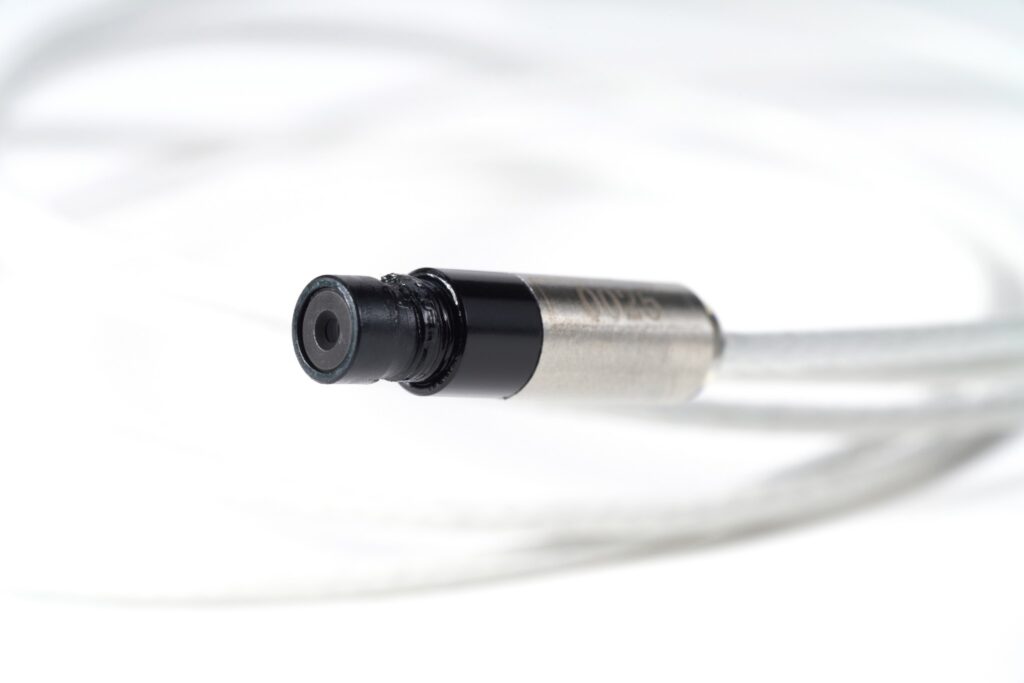
4.8 mm

Nano Series modular camera-head diameter, the world’s smallest welding camera with active laser illumination 

EXPLORE THE COLLECTION

Built for your next breakthrough.

Seven purpose-built welding cameras and weld monitoring systems. Find the right view for your process. How to choose a welding camera >

Showing 7 cameras
Standard vision

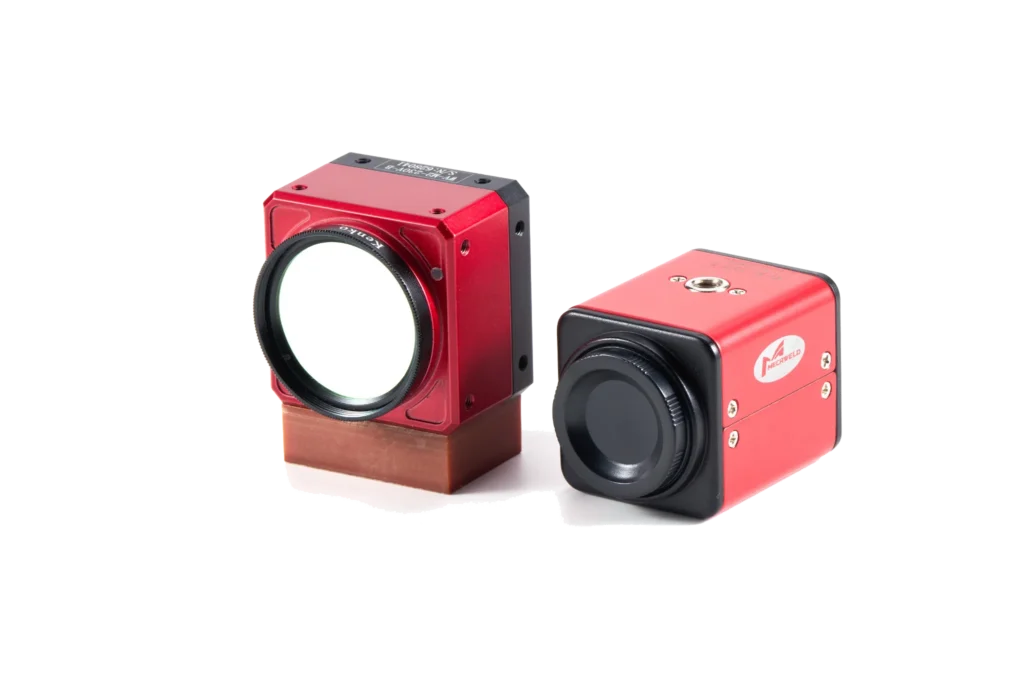
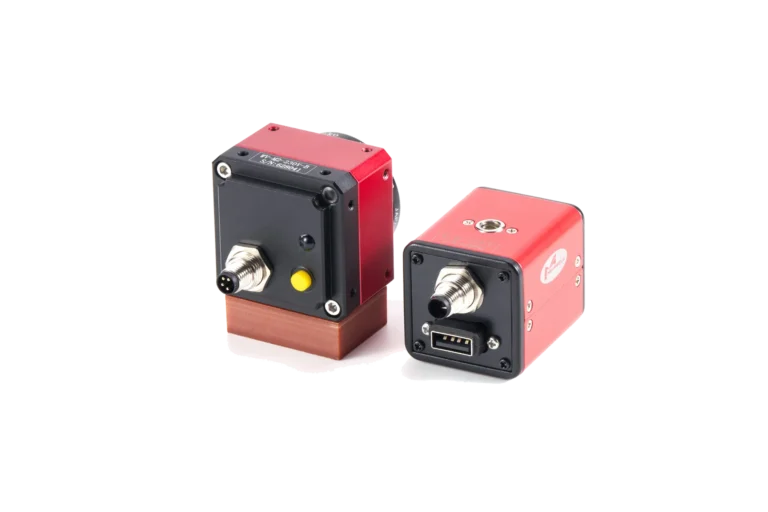
M2-130U/C2-130U

1280 × 1024 imaging at 206 fps, with monochrome M2 and color C2 variants for software-based weld monitoring.
BEST FOR
USB software and SDK integration
206
fps at 1280 × 1024
USB 3.0 / SDK INTEGRATION
m2c2-130u-2
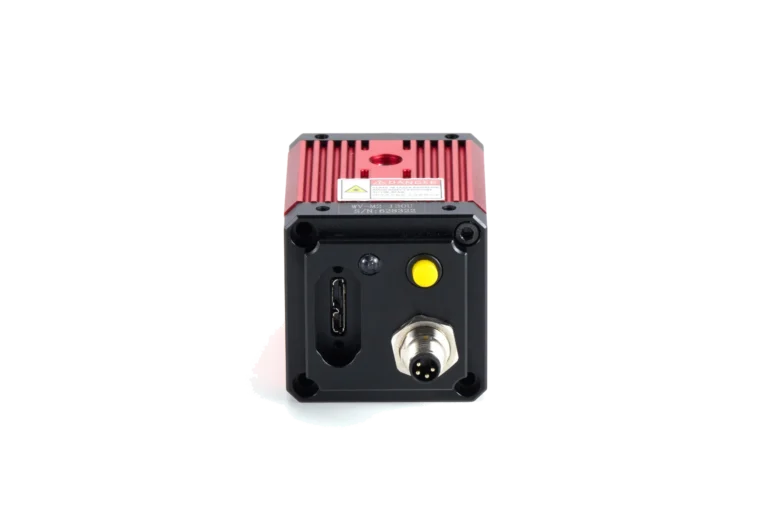
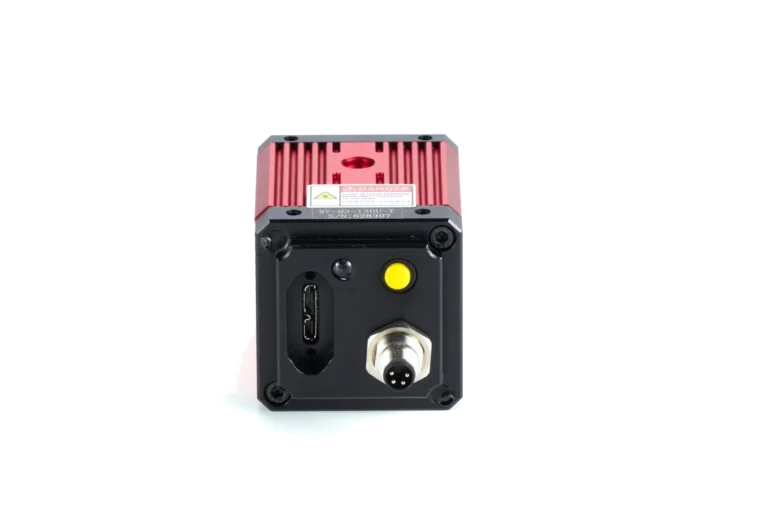
REAR / CONNECTION
m2c2-130u-5
USB 3.0 / U3Vision ↗
MECAWELD / M2-130U/C2-130U
Standard vision

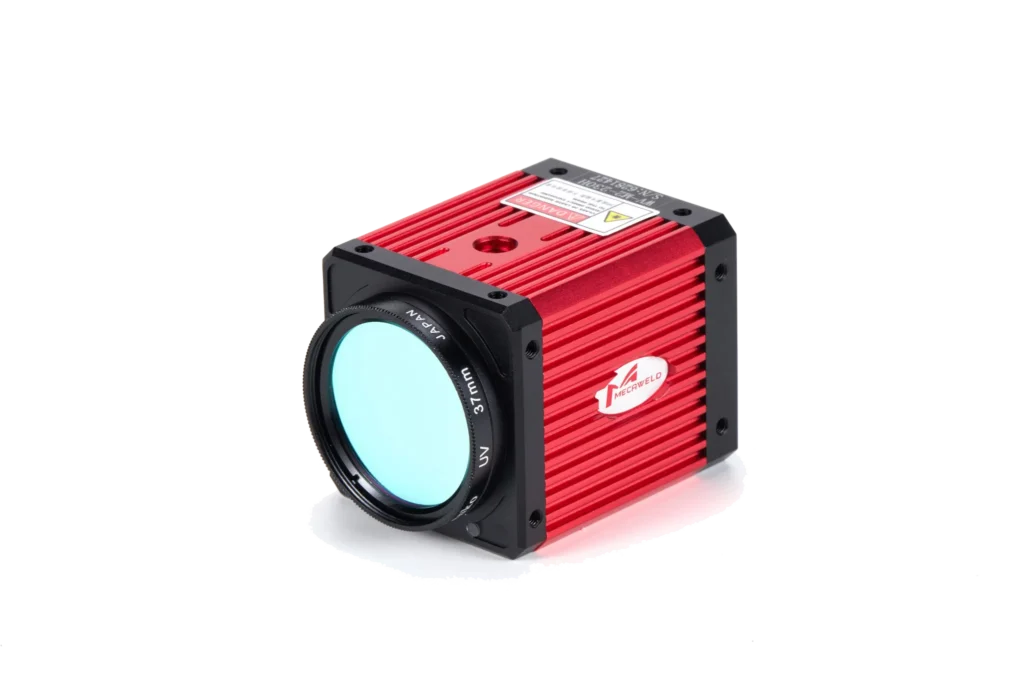
M2-230H

Direct-feed HDMI welding camera with 1900 × 1080 at 60 fps. Real-time monitoring with no PC or software required.
BEST FOR
Real-time monitoring without a PC
1900 × 1080
at 60 fps
HDMI / PLUG & PLAY
m2-230h-3
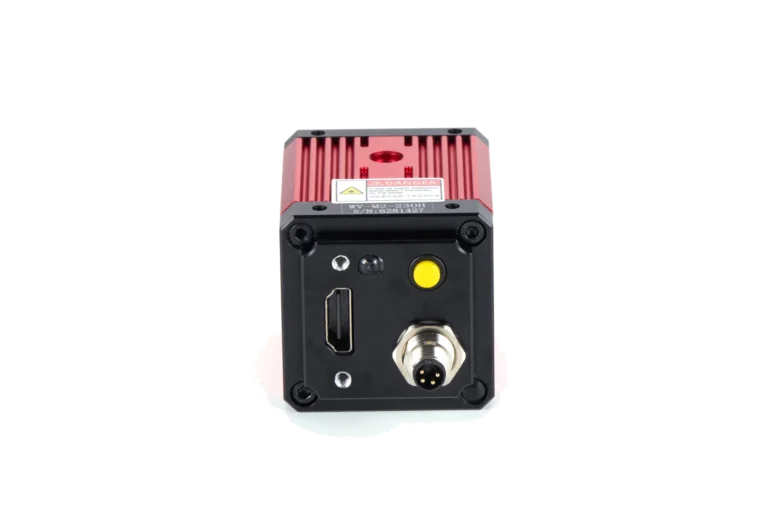
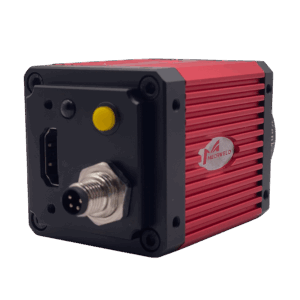
REAR / CONNECTION
m2-230h-5
HDMI output ↗
MECAWELD / M2-230H
Specialized

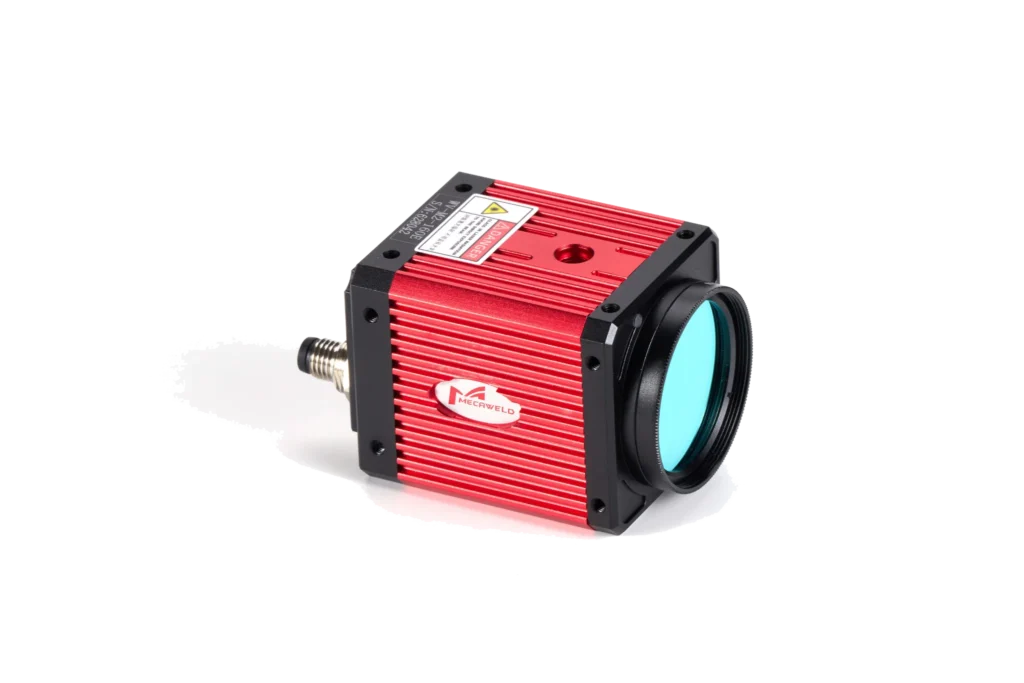
M2/C2-230V-B

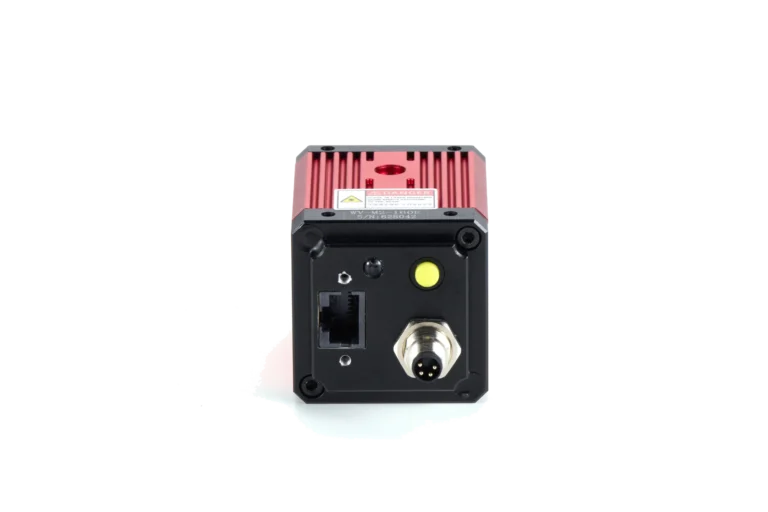
Laser welding camera with separate imaging and illumination modules. C-mount compatible for coaxial monitoring, with options for laser systems below and above 3 kW.
BEST FOR
Coaxial laser weld monitoring and integration with existing laser welding heads
1920 × 1200
at 90 fps
LOW-POWER LASER
m2c2-230vb-3
REAR / CONNECTION
m2c2-230vb-4
UVC / USB video ↗
MECAWELD / M2/C2-230V-B
Standard vision

M2-160E

GigE active vision with 936 nm illumination and 1440 × 1080 global-shutter imaging at 60 fps.
BEST FOR
Networked robotic welding cells
1440 × 1080
at 60 fps
GIGE / ACTIVE VISION
m2-160e-3
REAR / CONNECTION
m2-160e-6
GigE Vision ↗
MECAWELD / M2-160E
Compact

Nano Series

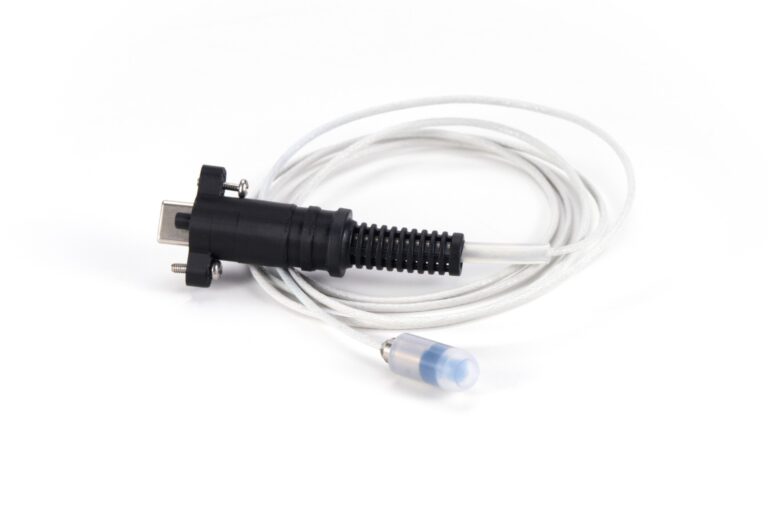
A 4.8 mm modular borescope head with 800 × 600 video at 60 fps and NSPG arc-light suppression.
BEST FOR
Narrow-gap and internal weld views
4.8
mm diameter
NANO BORESCOPE
REAR / CONNECTION
HDMI / borescope ↗
MECAWELD / Nano Series
Compact

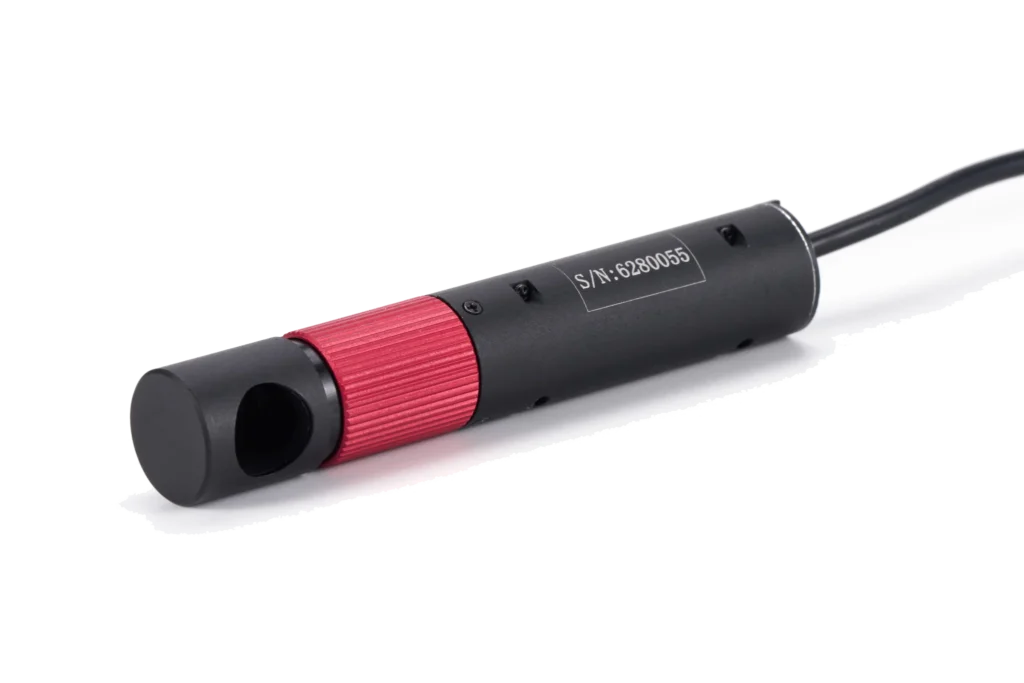
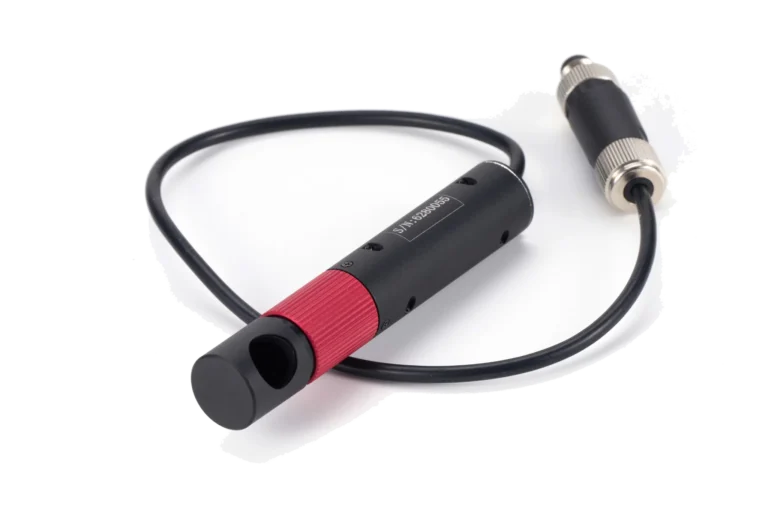
M2-200H-M15

Full HD 60 fps weld monitoring in a 15 mm head, with built-in 936 nm illumination and adjustable focus.
BEST FOR
Pipes, vessels and confined access
15
mm diameter
MICRO SERIES
m2-200h-m15-5
REAR / CONNECTION
m2-200h-m15-2
HDMI / 15 mm head ↗
MECAWELD / M2-200H-M15
High-speed

M2-130U-T

Externally triggered imaging up to 1,500 fps for capturing droplet transfer and fast weld-pool dynamics.
BEST FOR
Droplet transfer and fast weld events
1,500
fps maximum
HIGH-SPEED / EXTERNAL TRIGGER
m2-130ut-8
REAR / CONNECTION
m2-130ut-3
External trigger / USB series ↗
MECAWELD / M2-130U-T

DESIGNED TO REVEAL | WELD MONITORING IN ACTION

See what
the arc hides.

With advanced arc suppression and crystal-clear imaging, Mecaweld welding cameras reveal weld-pool behavior, droplet transfer and critical details hidden by intense arc glare. Explore real-time weld monitoring solutions for TIG, MIG and robotic welding, helping teams analyze processes and improve weld quality.

SEE THE UNSEEABLE

Details beyond the glare.

THE DETAILS THAT MATTER

03 / 03

Find your welding camera.

Compare weld monitoring systems by process, resolution, frame rate and interface.
Select up to three cameras above to find the right solution for your setup.

MODEL

PRIMARY USE

RESOLUTION

FRAME RATE

INTERFACE / FORM


M2-130U/C2-130U

SDK-based weld monitoring and integration

1280 × 1024

206 fps

USB 3.0 / U3Vision

M2-230H

Direct feed, no PC required, easily accessible HDMI connection

1900 × 1080

60 fps

HDMI output

M2/C2-230V-B

Lower power and higher power models available for C mount cameras

1920 × 1200

90 fps

UVC / USB video

M2-160E

Networked robotic weld monitoring

1440 × 1080

60 fps

GigE Vision

Nano Series

Narrow-gap and internal weld monitoring

800 × 600

60 fps

HDMI / borescope

M2-200H-M15

Confined-space weld monitoring

1920 × 1080

60 fps

HDMI / 15 mm head

M2-130U-T

High-speed research and droplet transfer

1280 × 1024¹

Up to 1,500 fps¹

External trigger / USB series

Specifications shown reflect confirmed public product information where available. Frame rates may depend on selected resolution and configuration. ¹ Maximum 1,500 fps is achieved at reduced resolution (480 × 98).

WELDING CAMERA BUYER'S GUIDE

PRACTICAL SELECTION / 2026

Which welding camera
should you use?

Start with your process: TIG welding, MIG welding, robotic welding or laser welding. Then consider how you need to view or record the weld and the space available. The right interface and mounting geometry often matter more than the biggest specification number.

•

THE SHORT ANSWER

For straightforward live weld-pool monitoring, start with the Mecaweld M2-230H: it connects directly to an HDMI display without a computer. For software-based capture and machine-vision work, compare the M2-130U/C2-130U USB cameras. Choose the M2-160E for GigE-connected automation, the M2-130U-T for externally triggered high-speed events or a Micro / Nano camera when access is restricted.

01 / LIVE VIEWING

Monitor the weld on a screen.

The M2-230H provides direct HDMI video at 60 fps. A sensible starting point for operator viewing without a PC or SDK.

02 / SOFTWARE & RECORDING

Capture video for analysis.

M2-130U/C2-130U cameras deliver 1280 × 1024 at 206 fps over USB 3.0. A computer and compatible SDK software are required.

03 / ROBOTIC INTEGRATION

Monitor a robotic welding cell.

The M2-160E supports GigE Vision integration, 1440 × 1080 global-shutter imaging at 60 fps and active 936 nm illumination.

04 / FAST WELD EVENTS

Study droplet transfer.

The triggered M2-130U-T reaches 206 fps at 1280 × 1024 or up to 1,500 fps at a reduced 480 × 98 resolution.

05 / LIMITED ACCESS

Get closer in tight spaces.

Choose the 15 mm Micro for confined installations or the 4.8 mm modular Nano borescope for narrower gaps and internal views.

06 / LASER WELDING

View a low-power laser process.

M2/C2-230V-B supports 1920 × 1200 imaging at 90 fps for laser welding systems rated 3 kW or below.

What should you compare before deciding?

01

Process and access. TIG, MIG/MAG, laser or cladding? Is there room for a standard camera, 15 mm Micro or a borescope?

02

Viewing and integration. Direct HDMI screen, USB 3.0 software capture or GigE-connected industrial control?

03

Usable detail at speed. Check the frame rate at the resolution you actually need, along with working distance and illumination.

Common camera-selection questions

Is a welding camera different from a standard inspection camera?

Yes. Welding cameras are designed to make the weld pool visible despite intense arc brightness. Their optics, exposure settings, illumination and suppression methods vary by model. Ask to see footage from your own welding process.

Use HDMI for straightforward real-time monitor viewing; USB 3.0 when computer capture and SDK integration are needed; or GigE Vision when a networked, industrial machine-vision workflow is the priority.

No. Higher speed can require lower resolution. The M2-130U-T reaches 1,500 fps at 480 × 98, whereas its 1280 × 1024 mode runs at 206 fps. Choose the frame rate and detail level together.

Choose by weld-pool brightness, camera position, available space and whether you need live viewing or recording. TIG and MIG arc welding setups may suit an HDMI or USB camera, while laser welding and robotic applications can require more specialized imaging or integration. Confirm compatibility with Mecaweld for your specific process.

Where does Mecaweld ship its welding cameras from?

TECHNICAL RESOURCES

DOCUMENTATION / 2026

Go beyond the overview.

Everything you need to compare, specify and integrate the right welding vision camera.

01 / PRODUCT CATALOG

The complete
picture.

One place for the full camera range, specifications, interface options and accessories.

THE COMPLETE COLLECTION · PDF / 8 PAGES

02 / CAD FILES

Designed
to fit.

Request a model-specific 3D file to check fit, fixtures and mounting before installation.

03 / CONNECTIONS

Find the right
interface.

Explore HDMI, USB 3.0
and network-connected
models.

04 / SPECIFICATIONS

Details make
the difference.

Put resolution, frame rate and interfaces side by side.

05 / APPLICATION SUPPORT

Your setup.
Our expertise.

Tell us about your weld and working distance. We’ll help you narrow down the configuration.

LET'S GET SPECIFIC

Every weld is different.
We'll help you see yours.

Tell us about your welding process, working distance and integration requirements. We’ll help you narrow down the right camera.
TECHNICAL FILE REQUEST

Let's get your
CAD model.

Tell us which camera you're evaluating and how you plan to use it. Our team can follow up with the appropriate 3D engineering file.

This preview prepares an email request to Mecaweld. Your email app will open for you to review and send it. CAD files are provided by the team after the request, not downloaded automatically.

TECHNICAL FILE REQUEST

Let's get your
CAD model.

Tell us which camera you’re evaluating and how you plan to use it. Our team can follow up with the appropriate 3D engineering file.